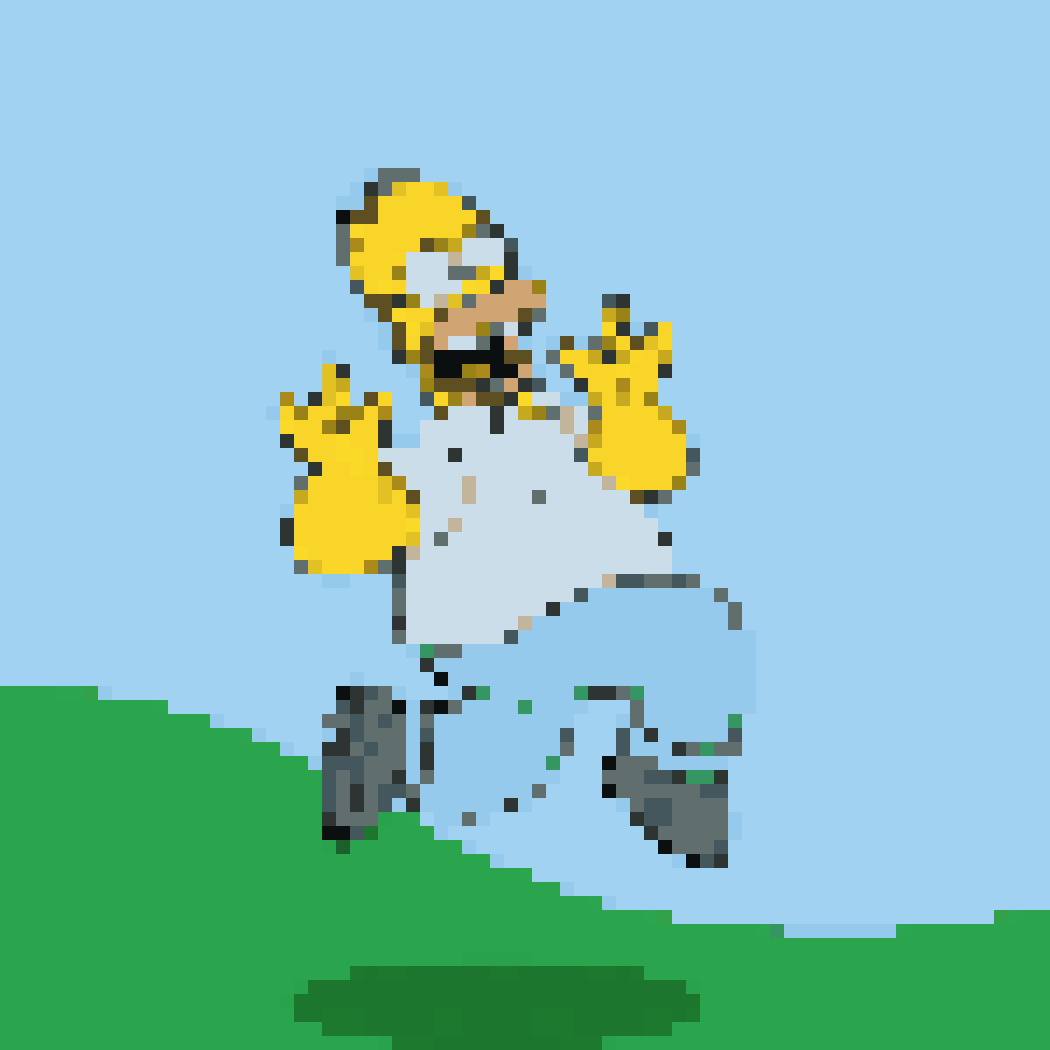
GIF · Auto
Animated GIF to pixel art
Pre-rendered with this converter. Try the original GIF to create and download your own animated pixel art.
 PIXEL STUDIO
PHOTOS → PIXELS → POSSIBILITIES
Turn a photo into a numbered bead pattern. Set the grid, count each color and print the chart in your browser.
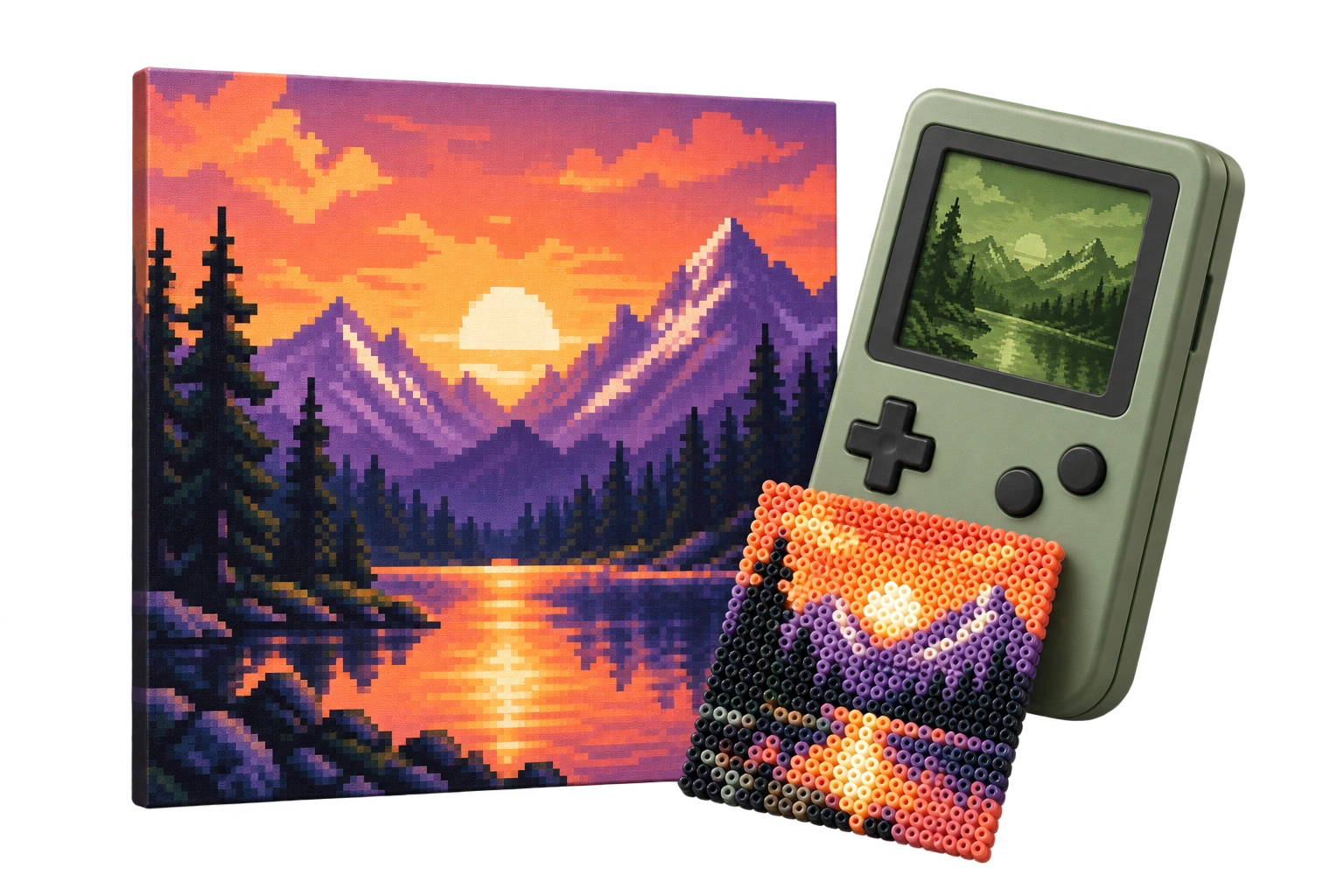
One photo. Every pixel, your way.
Upload, drop a file, or paste with Ctrl/Cmd+V.
Each number maps to a palette color.
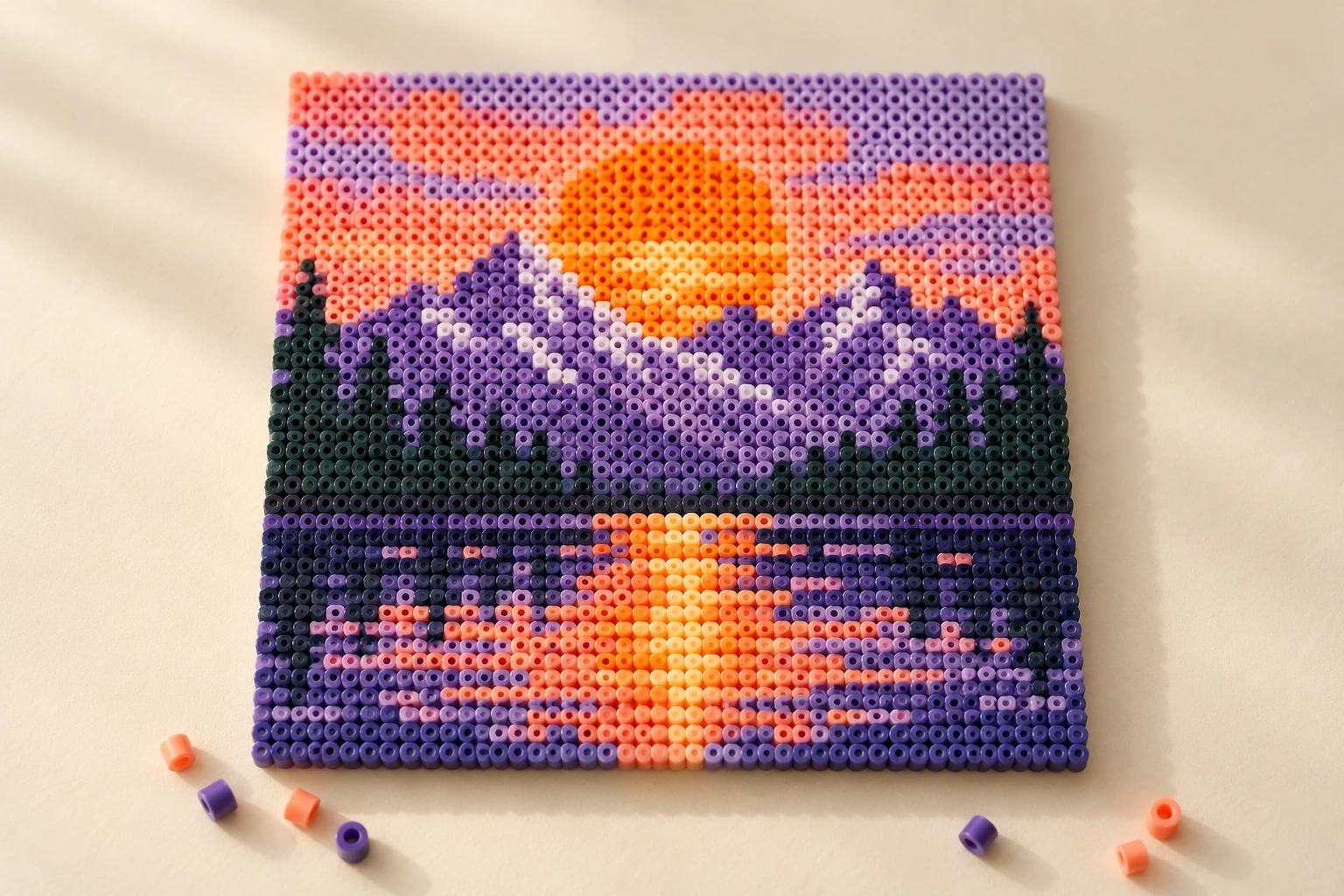
Transparent images are composited on white.
Turn a photo into a numbered bead pattern. Set the grid, count each color and print the chart in your browser.
One grid cell represents one bead. White padding is included in the material count.
Colors are HEX references, not brand bead codes. Match them to your own beads.
Start creatingSAMPLE CONVERSIONS
Explore photo and GIF to pixel art examples. Try a palette, keep the animation, or build a craft pattern.
Pre-rendered with this converter. Try the original GIF to create and download your own animated pixel art.
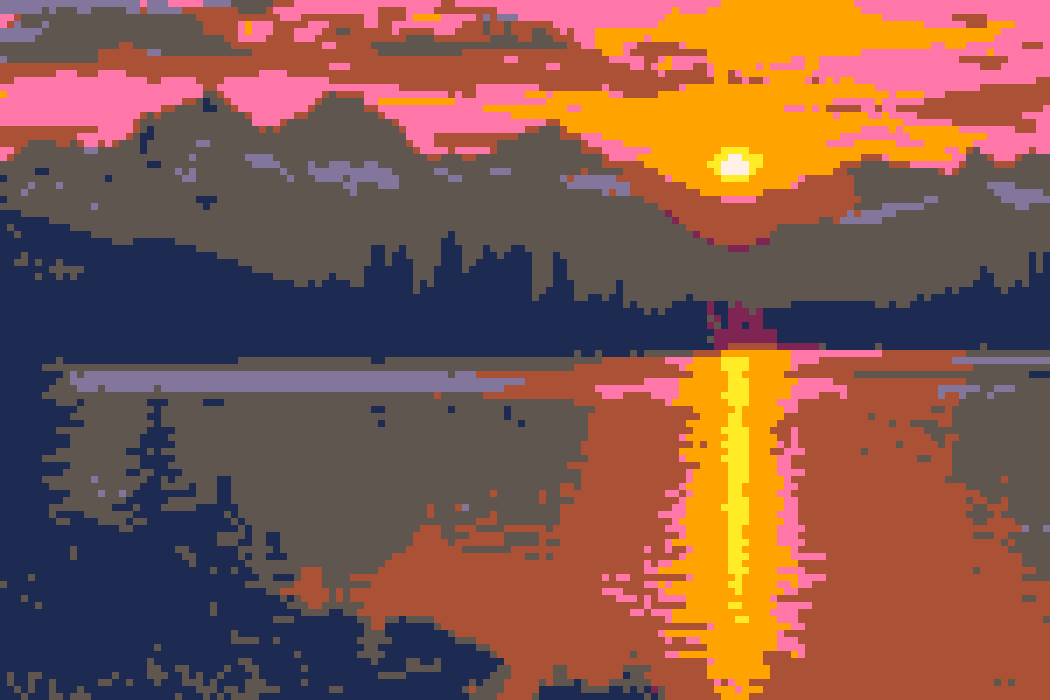 Pixel art
 Original · 100%
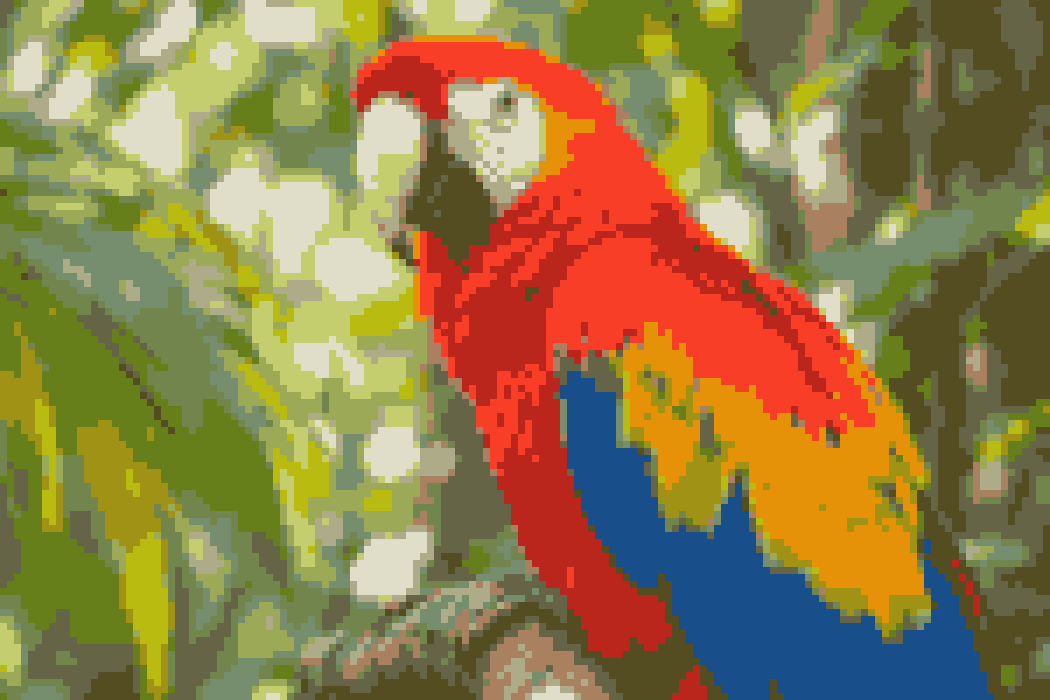 Pixel art
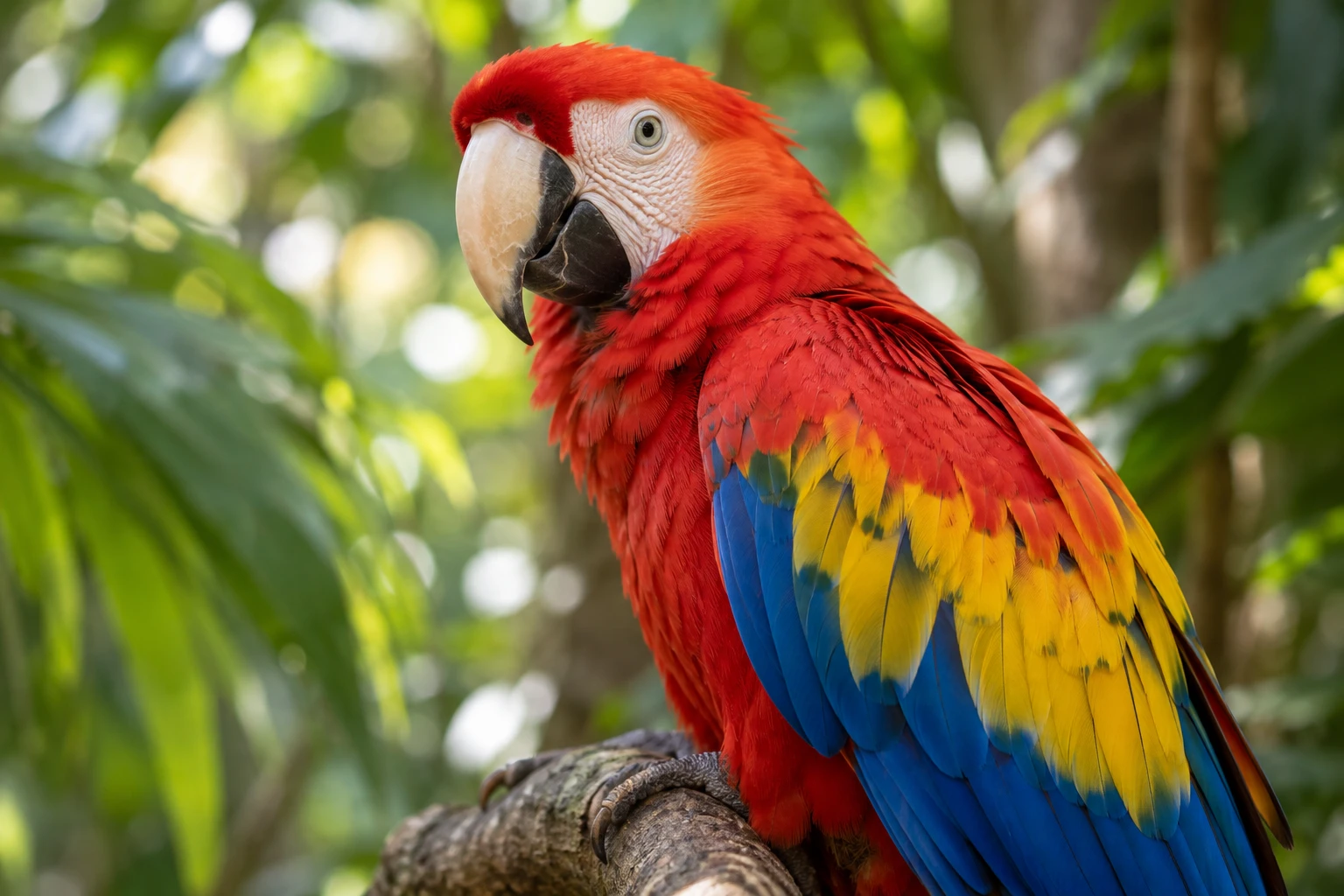 Original · 100%
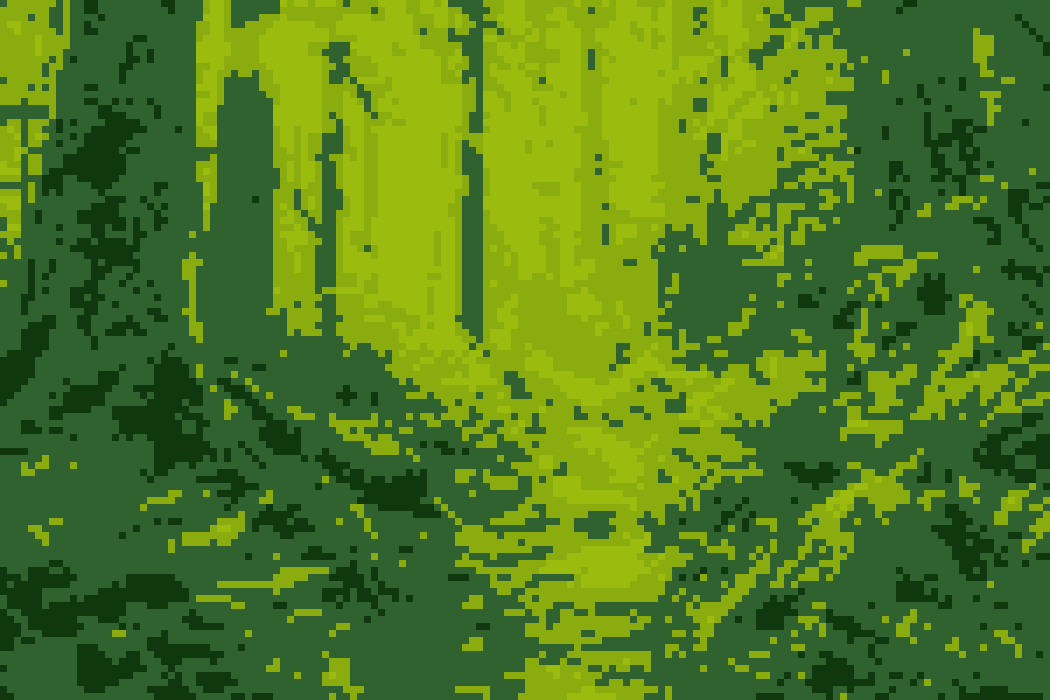 Pixel art
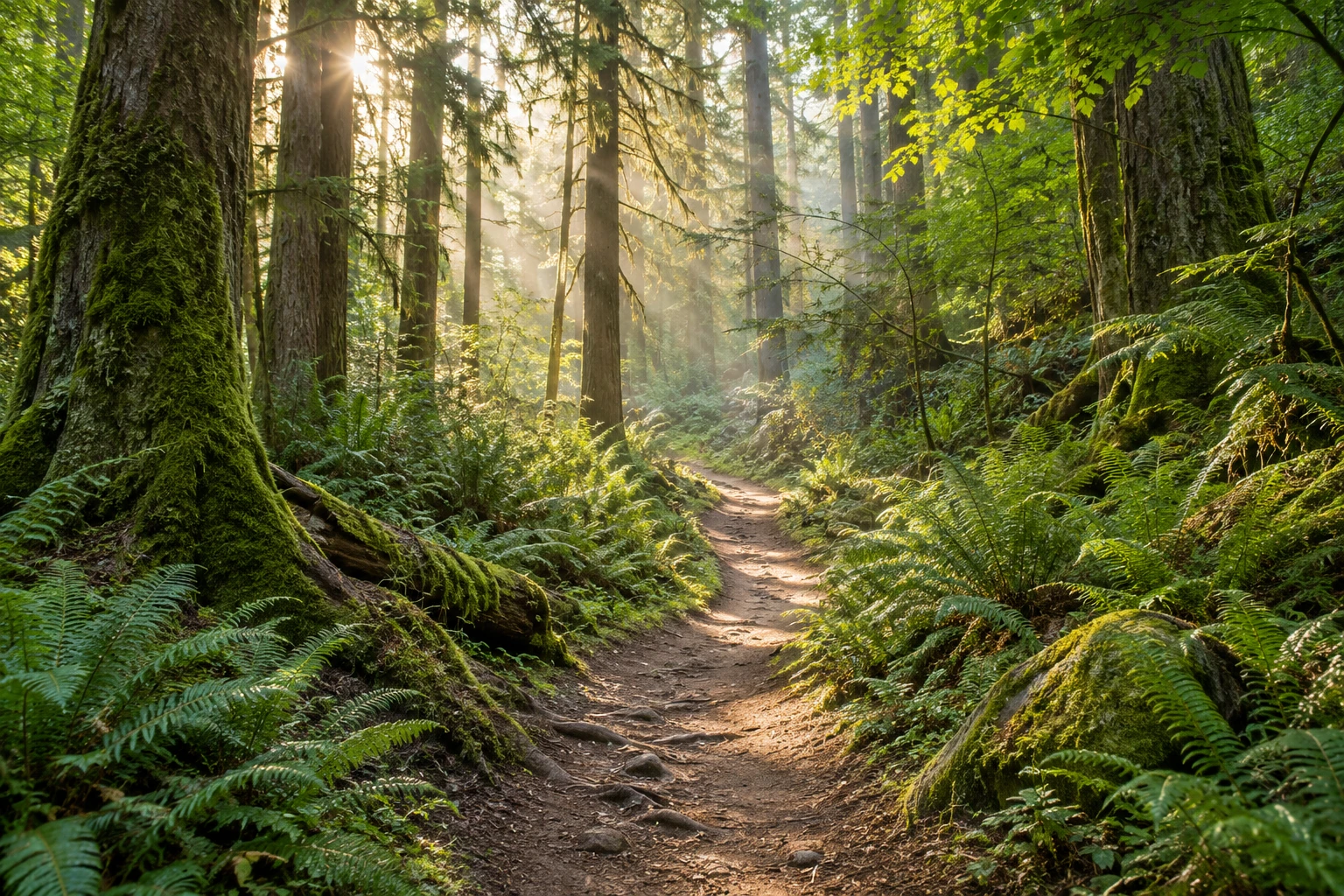 Original · 100%
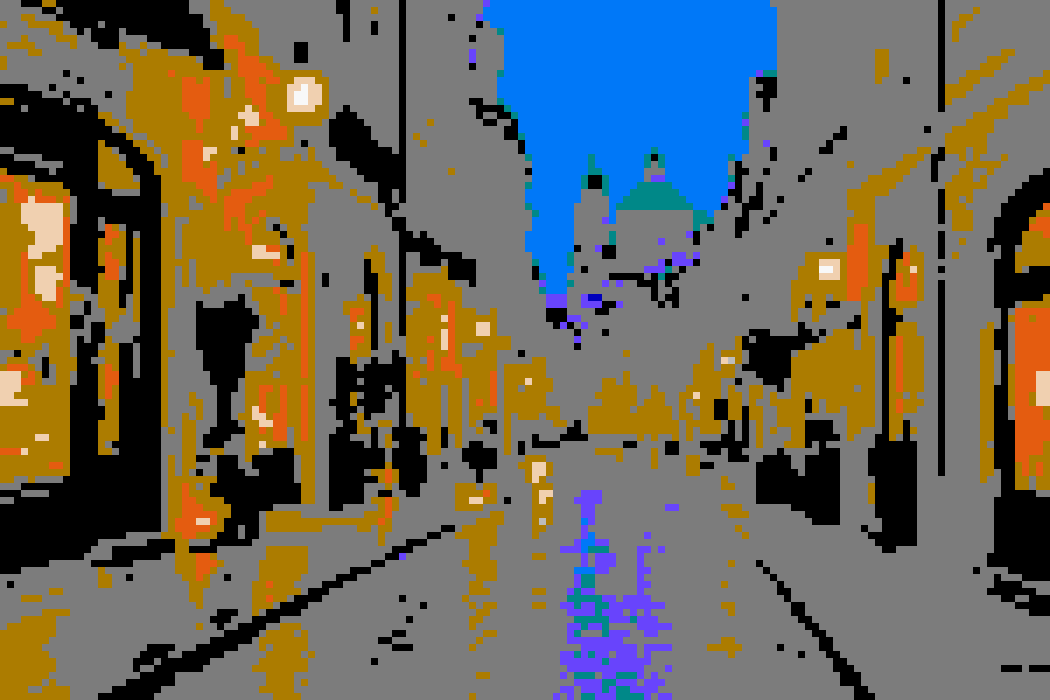 Pixel art
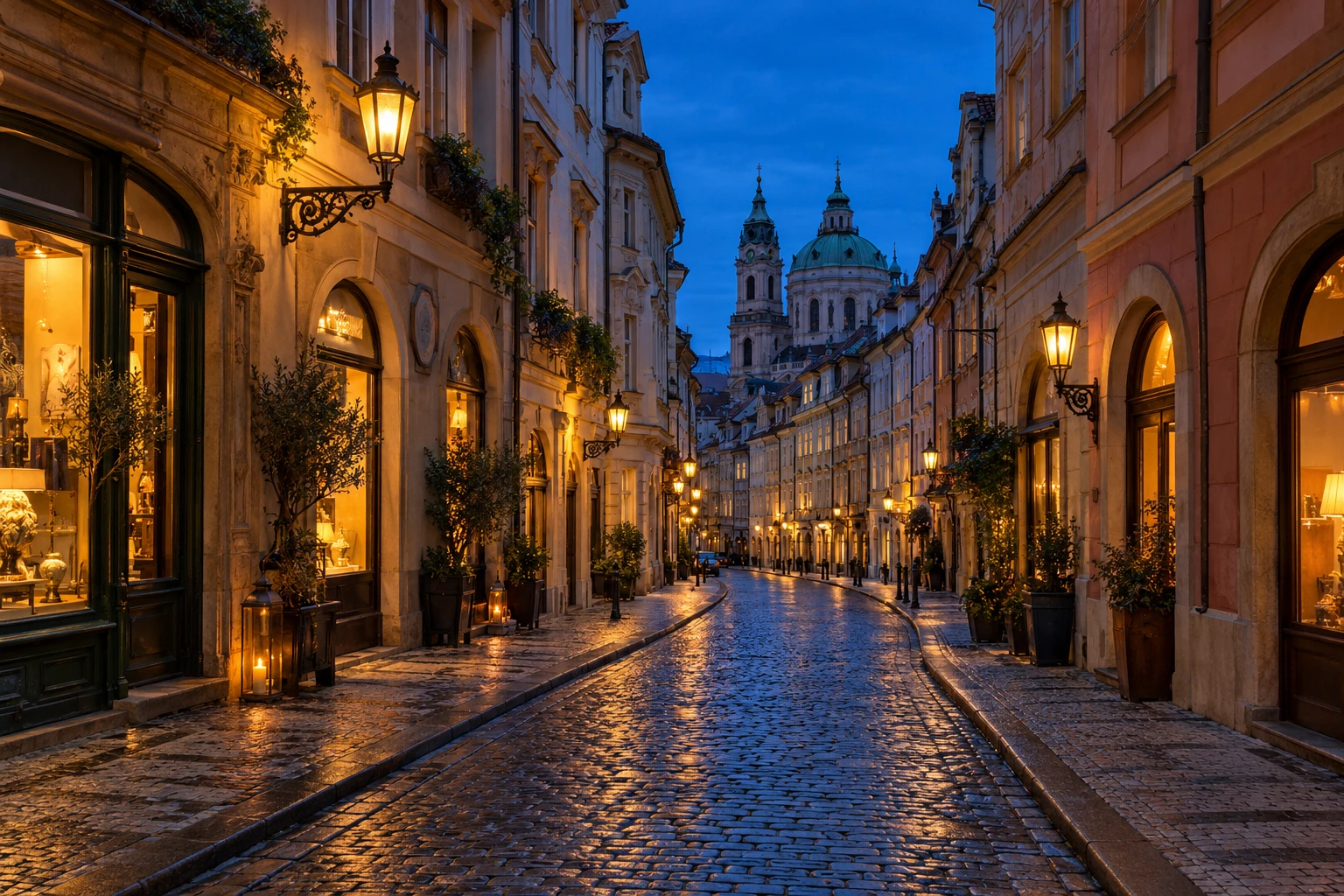 Original · 100%
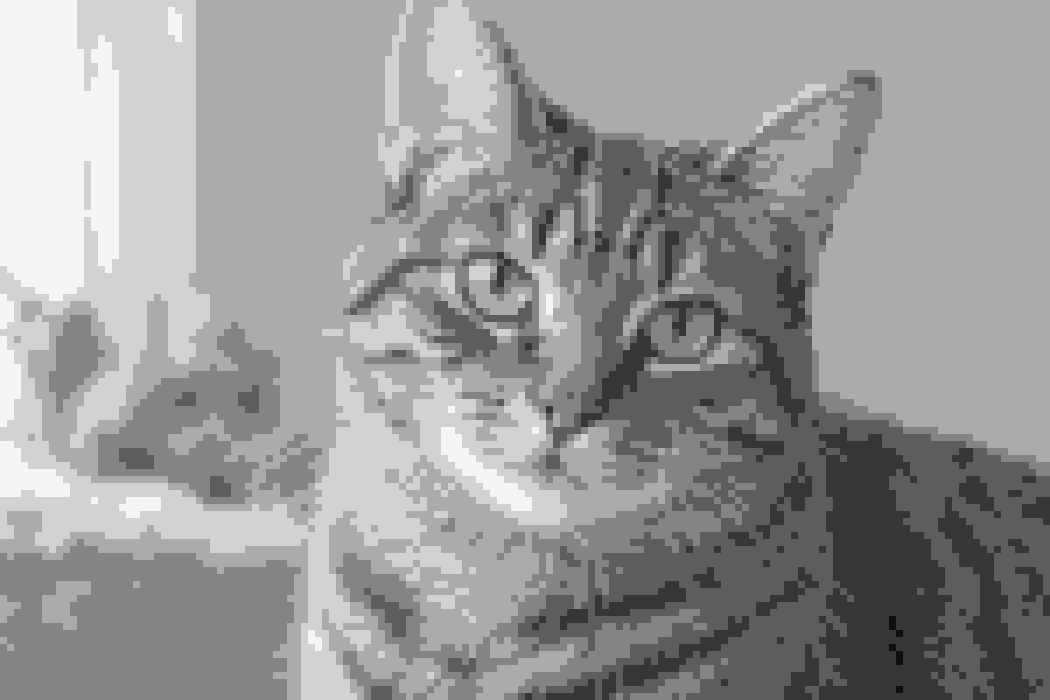 Pixel art
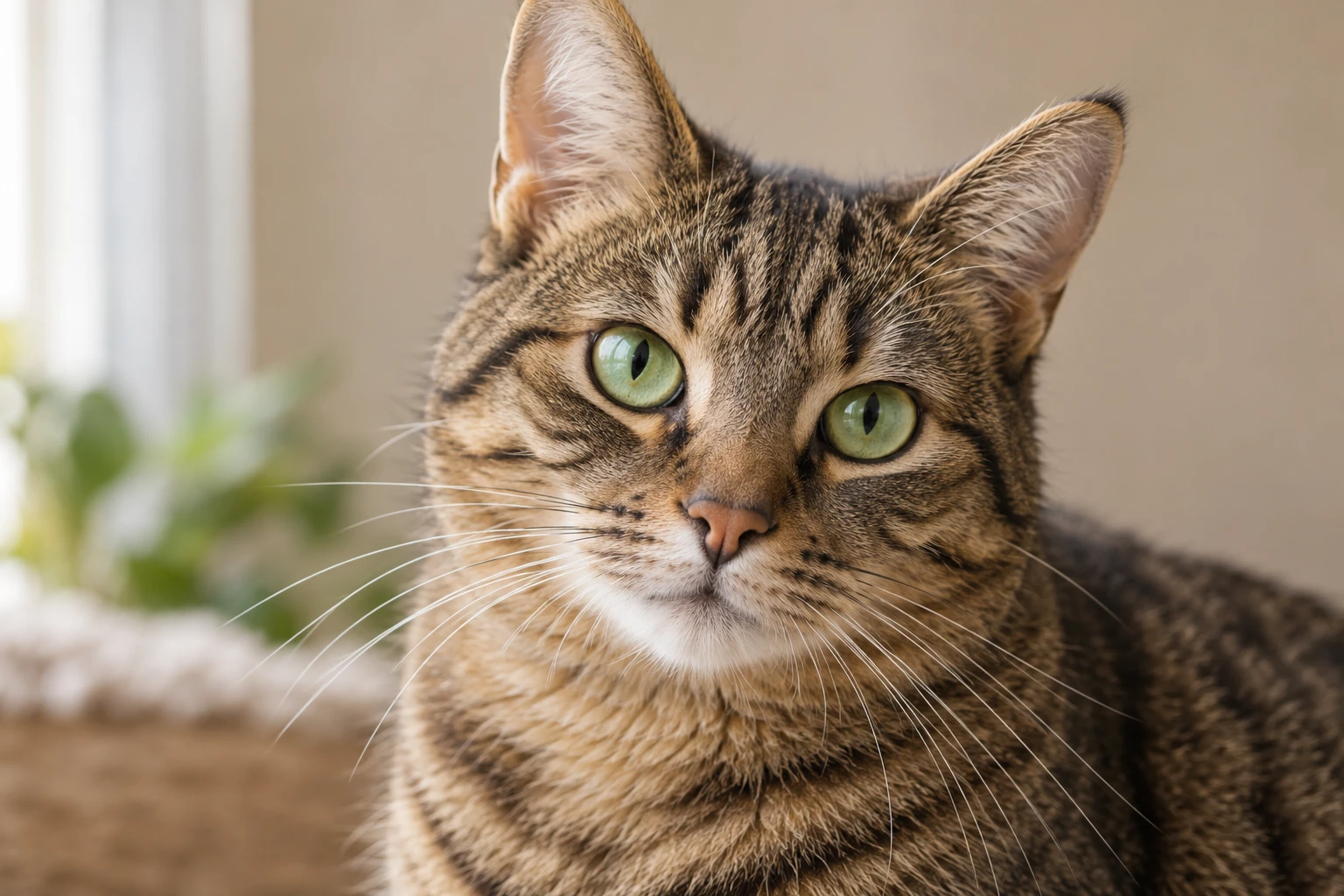 Original · 100%
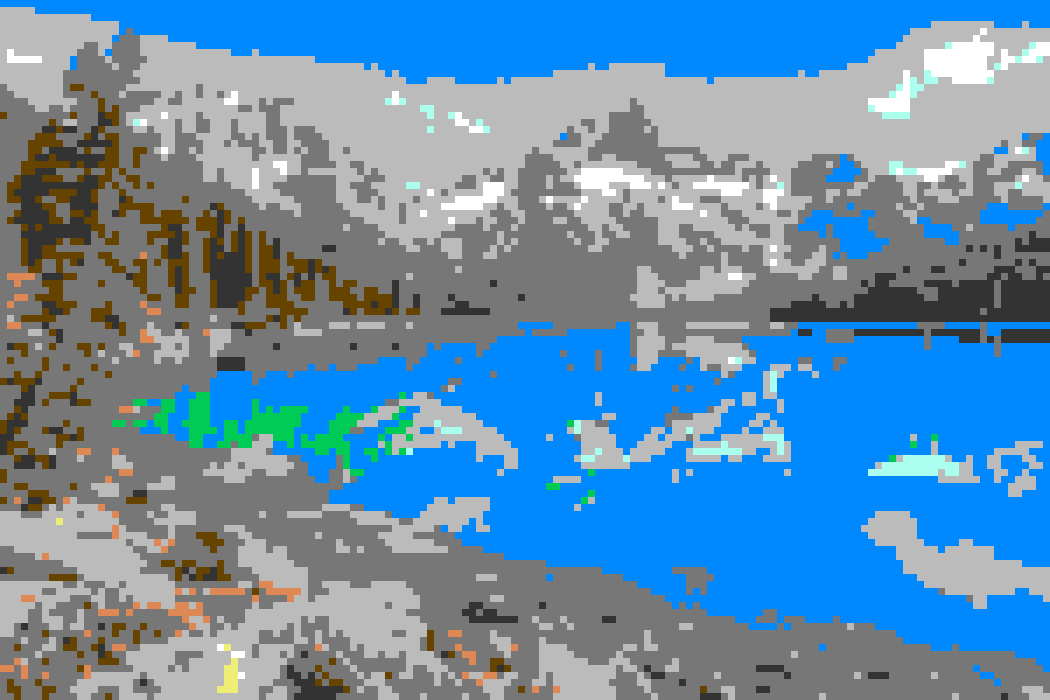 Pixel art
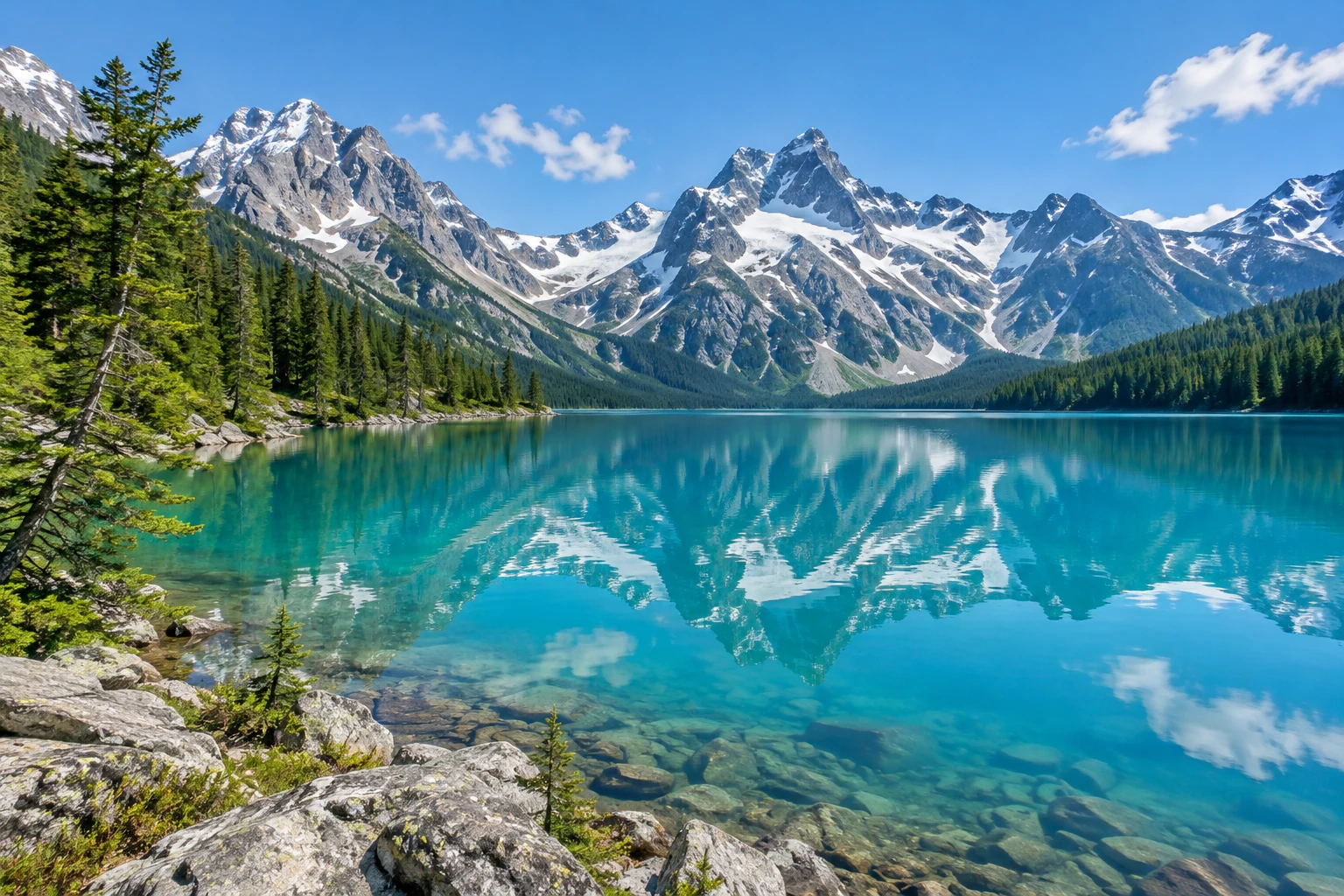 Original · 100%
ART MEETS CRAFT
Pixel portraits for profiles, stickers and stream badges.
Make a favorite view feel like a retro world.
Make a Perler or Hama bead pattern from a photo. Choose a 32 or 64 grid and match the colors to your beads.
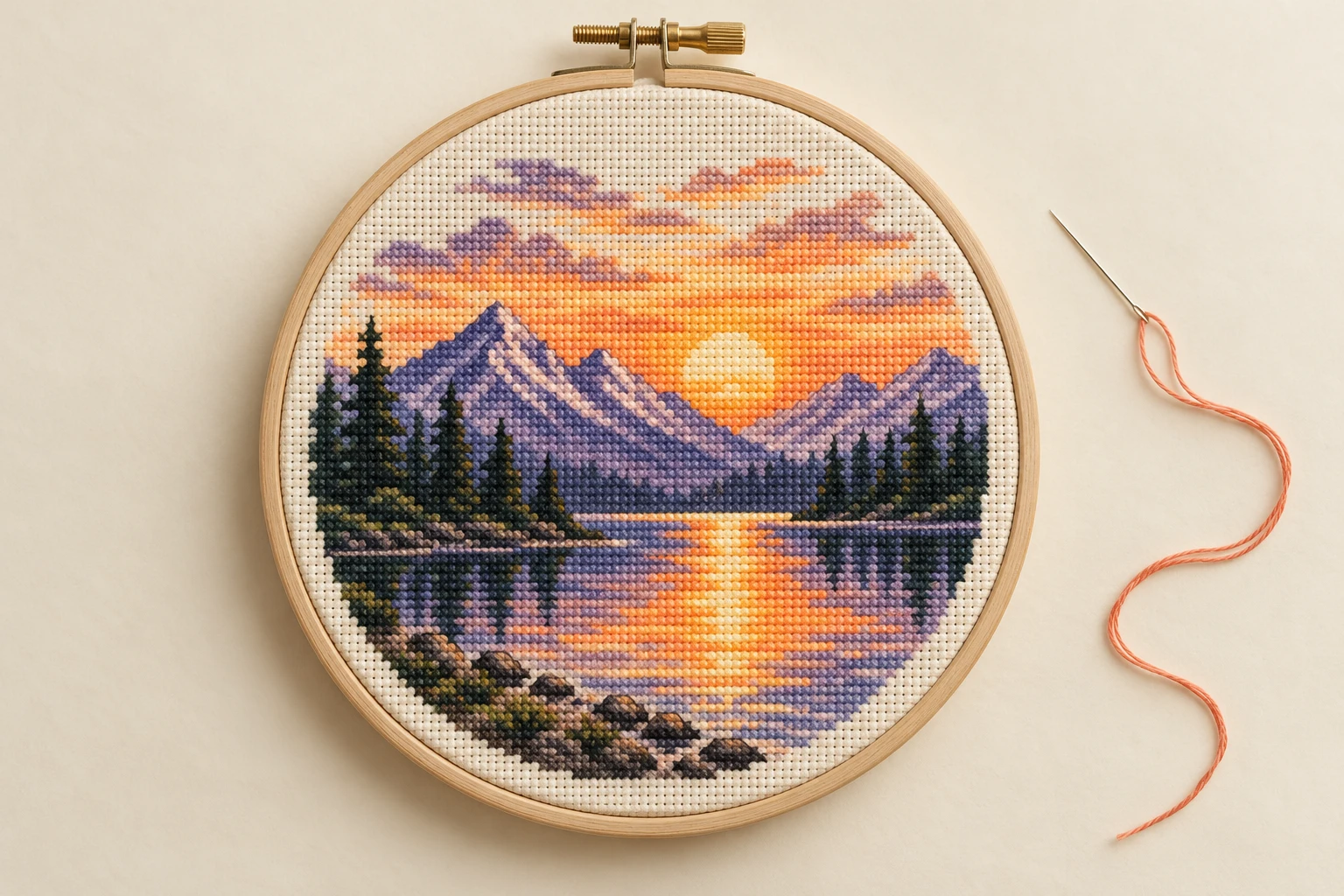
Turn a photo into a numbered cross-stitch chart. Start with 8–12 Auto colors and match them to your thread.
Turn a memorable photo into a personal gift.
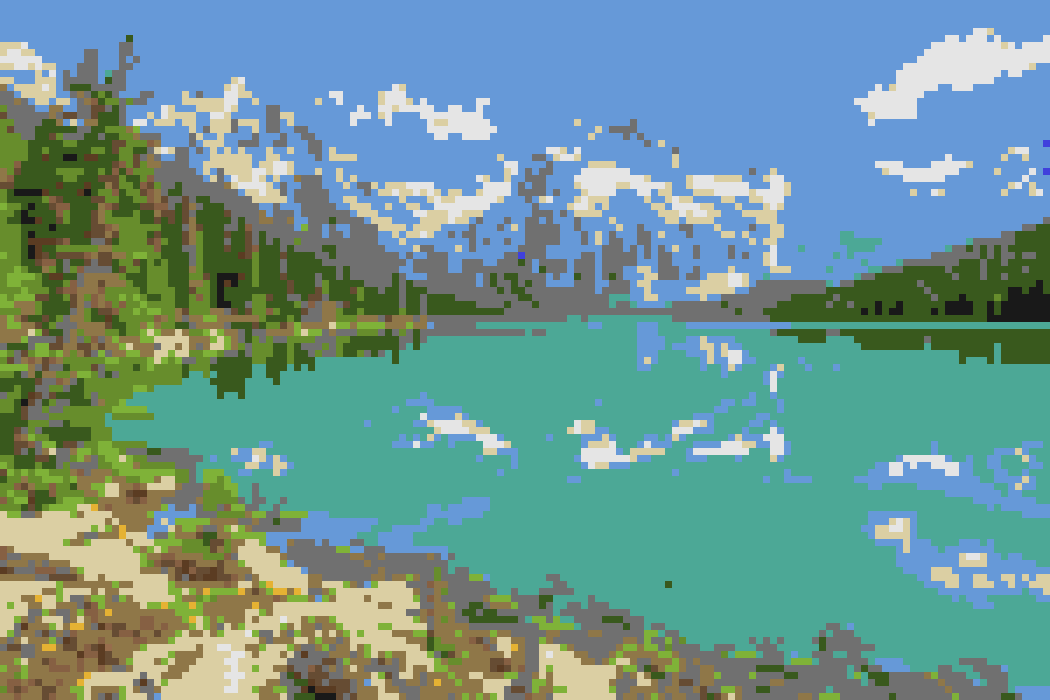
Plan a block build with the Minecraft palette and numbered guide. Colors are a reference; no block inventory is generated.
FIVE SIMPLE STEPS
From photo to pixels — then from pixels to something you can make.
Upload a photo, GIF or animated WebP, or try a sample.
Enter columns and rows, then choose a centered crop or white padding.
Use Auto or explore six retro color styles.
Enable the numbered guide and choose your color count.
Download the PNG or ZIP, or print the numbered chart and material counts.
QUICK ANSWERS
Pixel art, privacy, exports and making things by hand.
Art for your screen. Patterns for your hands.