 PIXEL STUDIO
GIF to Sprite Sheet
Turn GIF frames into a transparent PNG sprite sheet at their original size. Choose columns and download frame positions, timing and loop metadata locally.
GIF up to 25 MiB and 300 frames. Sheets stay within 8192 pixels per side and 8 million pixels; PNG output is limited to 32 MiB.
Frames keep their original dimensions and composited transparency. Empty cells stay transparent. The sheet is not pixelated or recolored.
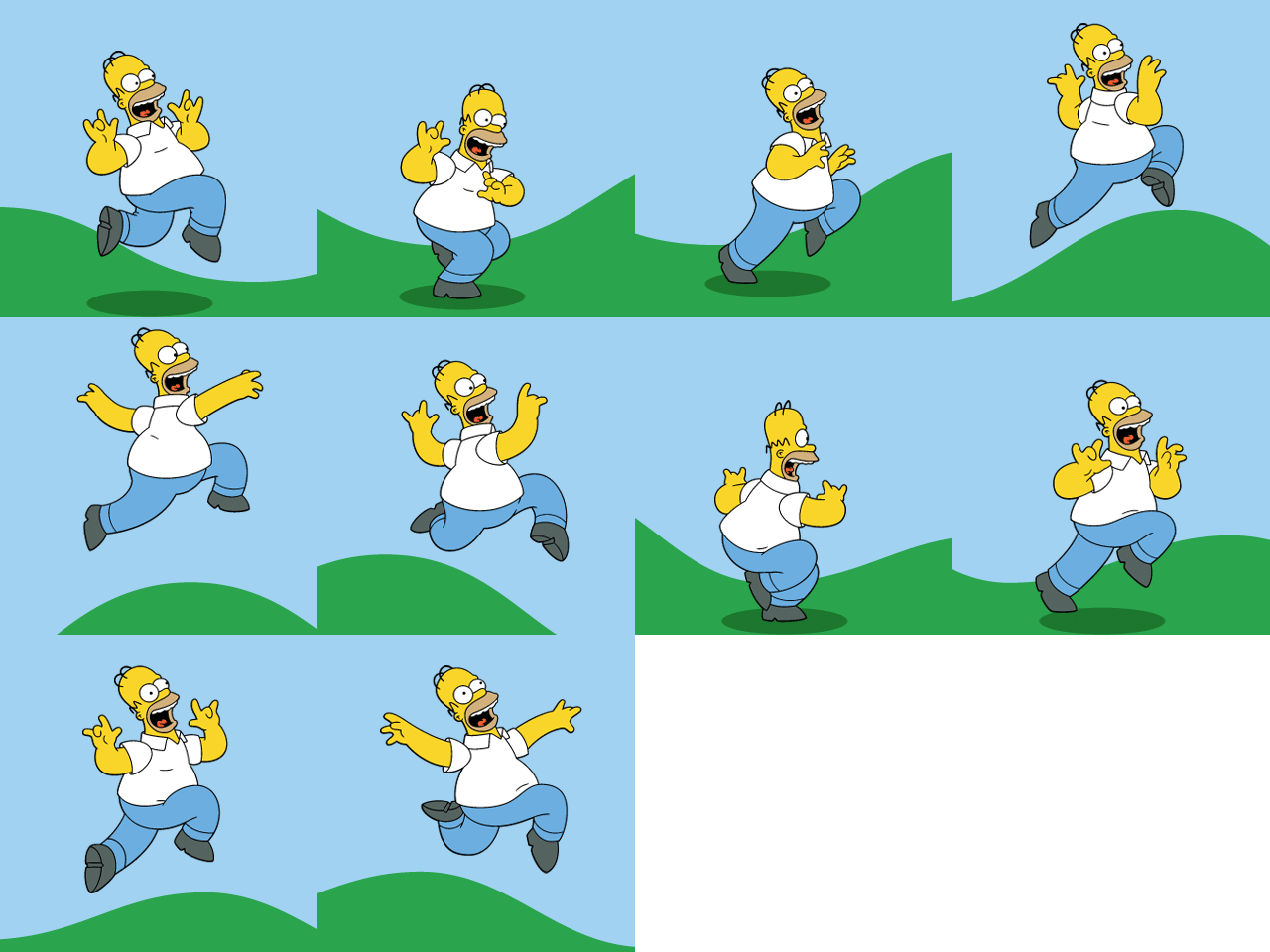
Frames are stored left to right, then top to bottom. JSON indexes start at 0.
GIF delays below 20 ms are normalized to 100 ms by the shared decoder.
Illustrative demo
Original: GIF · 320 × 320 · 10 frames · Result: 1280 × 960 · 4 × 3

GIF to Sprite Sheet
Turn GIF frames into a transparent PNG sprite sheet at their original size. Choose columns and download frame positions, timing and loop metadata locally.
Choose the number of columns, then build the sheet. All frames keep the same native dimensions.
Download the PNG and use the ZIP metadata for each frame position and duration. Unused cells are not animation frames.
Start creatingHow it works
- Choose a GIF image.
- Choose the number of columns, then build the sheet. All frames keep the same native dimensions.
- Download the PNG and use the ZIP metadata for each frame position and duration. Unused cells are not animation frames.